
Senior Housing Application and Waitlist Kit
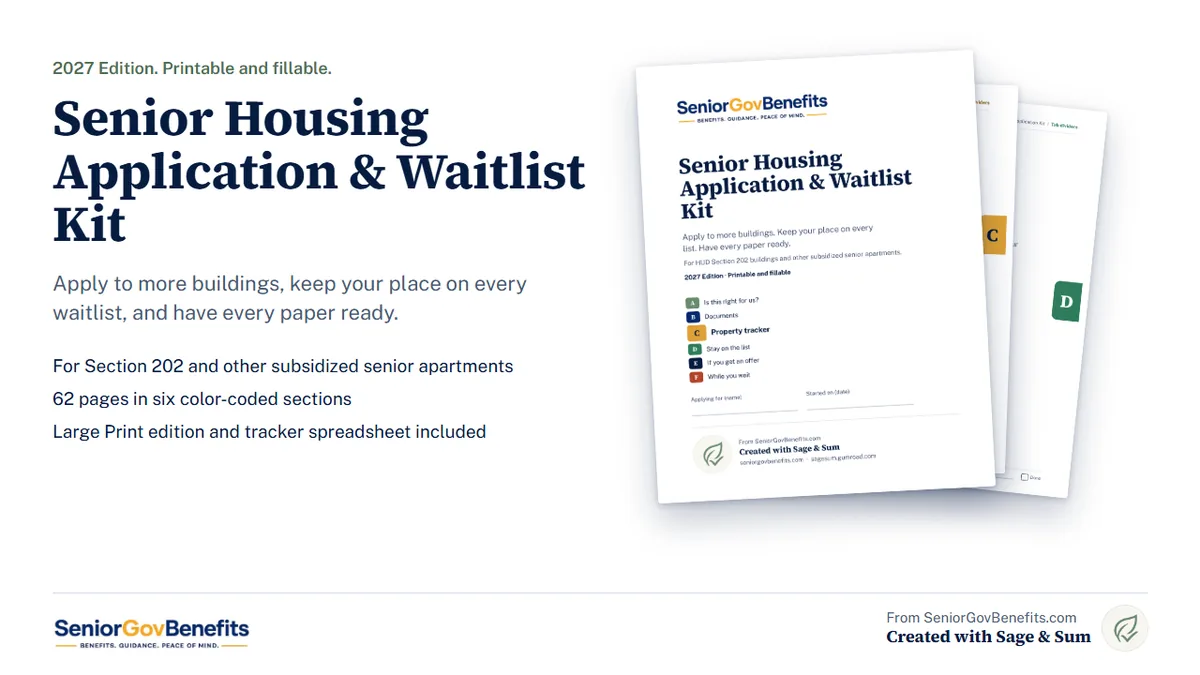
A printable, fillable kit for applying to HUD Section 202 and other subsidized senior apartments, and keeping your place on every waitlist. 62 pages, with a Large Print edition included.
This is a paid printable we made with Sage & Sum. The locator, calculators and guides on SeniorGovBenefits.com stay free. If you want to try it first, there is a free five-page sample below.
Why a kit
Subsidized senior buildings, like HUD Section 202 apartments, each keep their own waiting list. You apply to each property's office, one at a time. Waits of a year or more are common, some lists close for a while, and a missed letter or an old phone number can cost you your place.
The kit gives you one system. Get the paperwork together once, apply to more buildings, and keep track of every list for as long as the wait takes.
What is inside
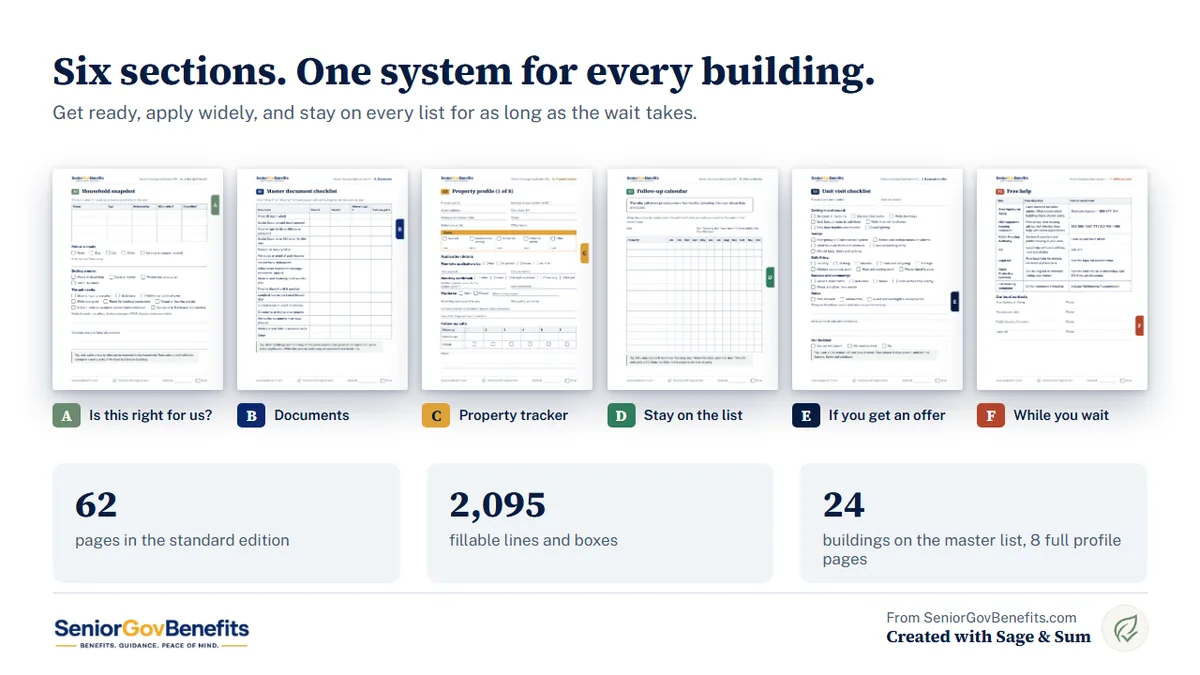
- A. Is this right for us? A household snapshot, housing options at a glance, an income worksheet where you write in your county's limit, and questions to ask a property before you apply.
- B. Documents. A master document checklist, income and assets logs, medical costs, rental history, references, and a cover sheet for each application packet.
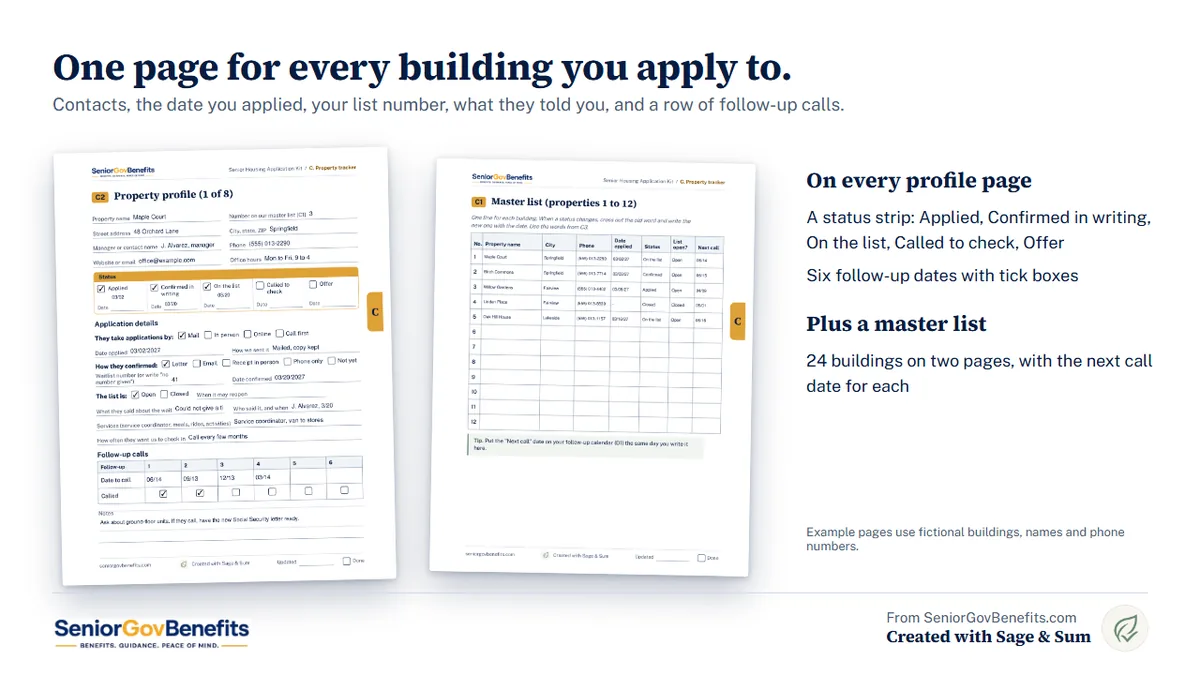
- C. Property tracker. A master list for 24 buildings and a one-page profile for each of 8, with a status strip (Applied, Confirmed in writing, On the list, Called to check, Offer) and six follow-up dates.
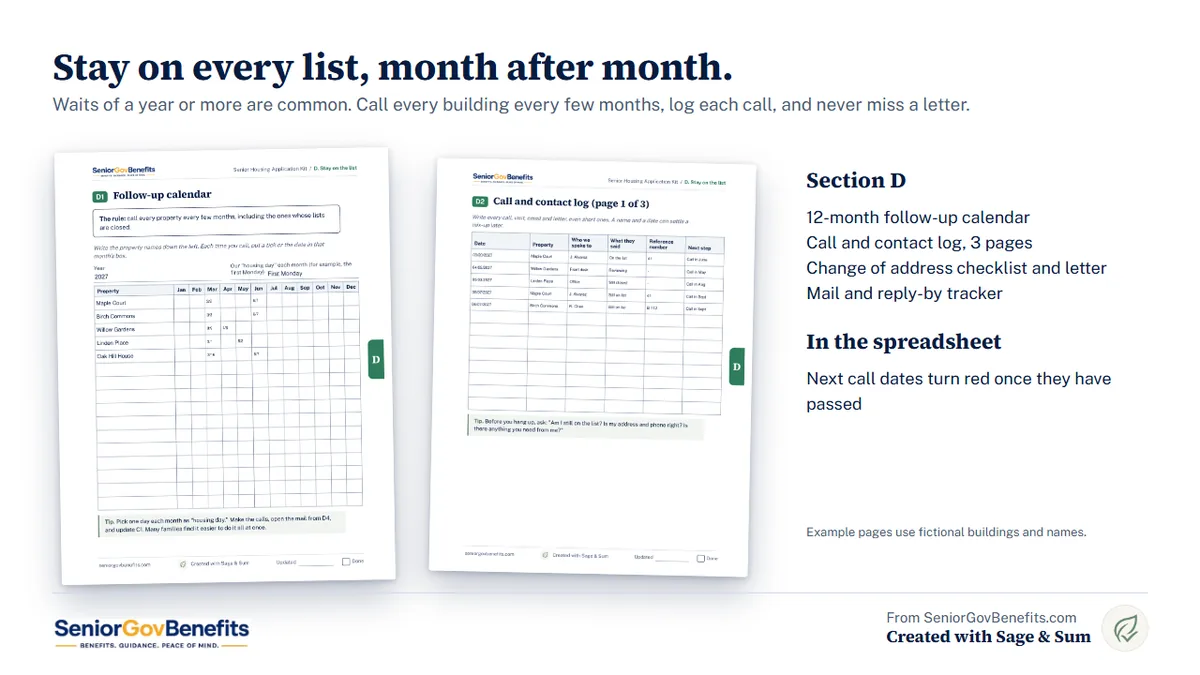
- D. Stay on the list. A 12-month follow-up calendar, a call and contact log, a change-of-address checklist with a fill-in letter, and a reply-by tracker.
- E. If you get an offer. Offer and unit visit checklists, move-in costs, what to do if you are turned down or removed from a list, and a reasonable accommodation guide with a fill-in letter.
- F. While you wait. Staying safe in the meantime, other housing paths, free help, and what to do if you could lose your home.
What you get
- The kit in Standard print (62 pages)
- The kit in Large Print (86 pages)
- A waitlist tracker spreadsheet that works in Excel and Google Sheets
- Tab dividers A to F for card stock
- A quick start guide with a one-step-a-day plan for your first week
Everything is a digital download. Nothing is shipped.
How it works
- Download the files.
- Print the pages you want, or open the PDF and type into it.
- Follow the first-week plan: household and income, find buildings, gather documents, call, make copies, send applications.
- Call every building every few months, log each call, and answer every letter by its date.
Get the kit
$17
One download with everything above. Checkout is secure and handled by Gumroad on our partner Sage & Sum's shop.
Buy the Housing KitDisclosure: SeniorGovBenefits.com earns money when you buy the kit, through Sage & Sum. See our advertising and affiliate disclosure.
Try the free sample first
The free sample has five pages: questions to ask a property before you apply, the master document checklist, one property page with its status strip, and the first call log page. Type into it or print it.
Get the free sample (opens on Gumroad. It is free, and Gumroad asks for your email.)
Free tools and guides that go with it
- HUD Section 202 Senior Housing Locator
- Section 8 Eligibility Calculator
- Area Agency on Aging Locator
- Senior Housing With No Waiting List
- Low-Cost Senior Apartments Guide
- Real Help for Seniors Facing Homelessness
Frequently asked questions
Can it get us a unit faster?
No kit can. It helps you apply to more buildings and keep your place on each list, which is what you control. Waits of a year or more are common, and some lists close for a while.
Do I apply to HUD?
No. For Section 202 and similar buildings you apply to each property's management office. HUD does not track vacancies or waitlists. The kit helps you keep track of every property you apply to.
Does it tell me the income limit for my area?
No. Limits change every year and differ by county and household size, so the kit gives you a place to write yours in and where you found it. Each property checks income itself.
Do I need both the Standard and the Large Print edition?
No. They hold the same pages. Large Print has bigger type and more writing room. Use whichever is easier on your eyes.
Can I use it for more than one person?
Yes. Save a copy of the PDF for each person and print more of any page. Print extra property pages if you apply to more than 8 buildings.
Is my information sent anywhere?
No. When you type into the PDF or the spreadsheet, what you write stays on your computer. Save the files somewhere private. The kit asks for the last 4 digits of account numbers only, never full Social Security, bank or card numbers.
What do I need to open it?
A free PDF reader such as Adobe Acrobat Reader, or Chrome, Edge or Firefox, on a computer. You can also print it and write by hand. Some phone and tablet viewers cannot fill in the larger boxes. The tracker spreadsheet works in Excel and Google Sheets.
Who made it
The kit was written by the SeniorGovBenefits.com team and created with Sage & Sum, which sells it on Gumroad. We checked the program rules and phone numbers in it against official sources, in the same way we check our calculators (see our editorial methodology). It prints no income limits or other dollar figures that change every year.
The kit is an organizer for general information. It is not legal, financial or housing advice, and it cannot promise you a unit, a place on a list or a wait time. Real applications are free: never pay anyone to apply for you or to move you up a list. SeniorGovBenefits.com is not a government agency and is not affiliated with HUD or any government agency. Read our full disclaimer.